LIFEHACKER.com
Last week we asked you to share your favorite disk image tools, then we rounded up the five most popular responses for a vote. Now we're back to highlight your favorite. DAEMON Tools led the pack by a comfortable margin with 40% of the vote.
Softpedia.com
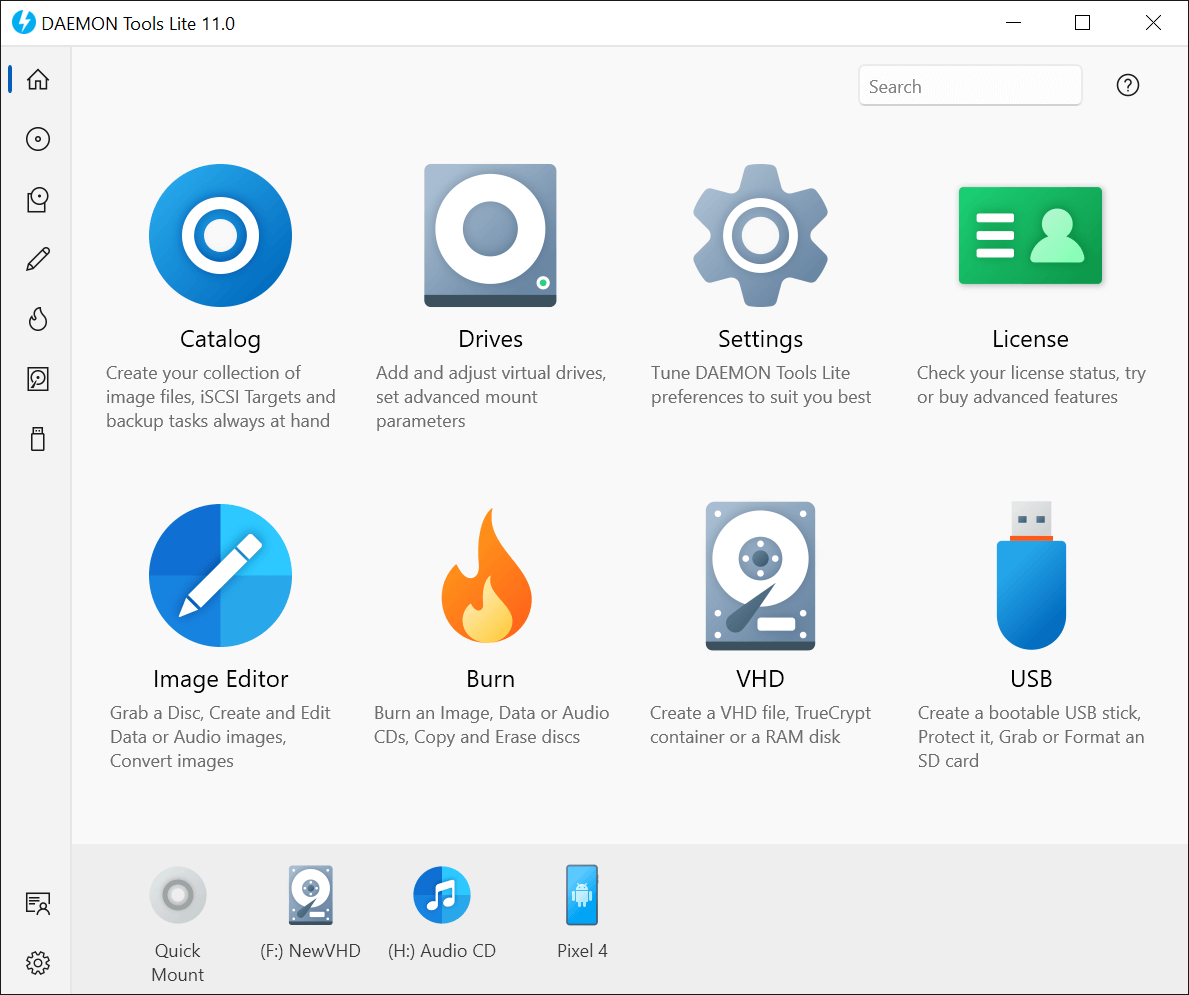
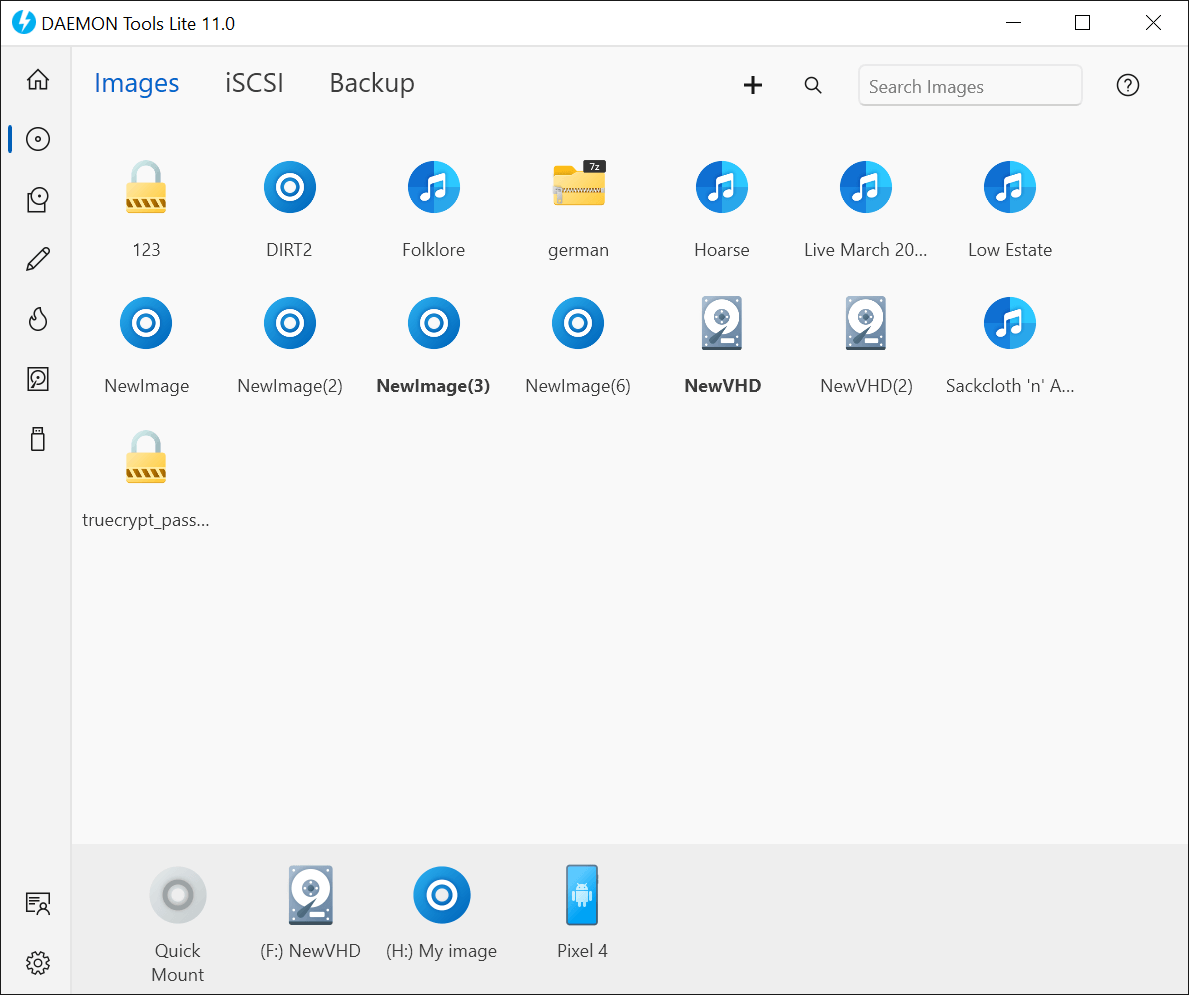
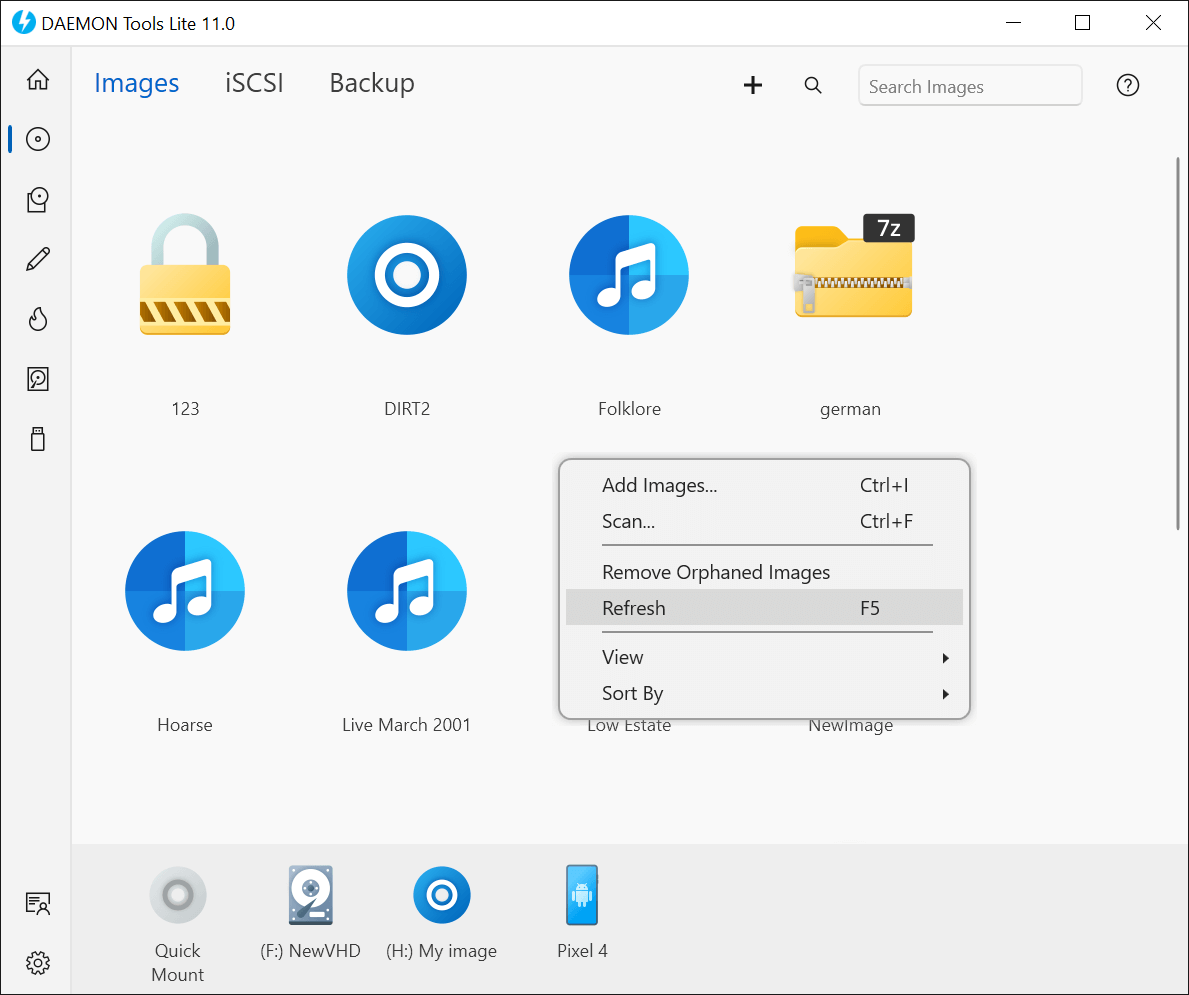
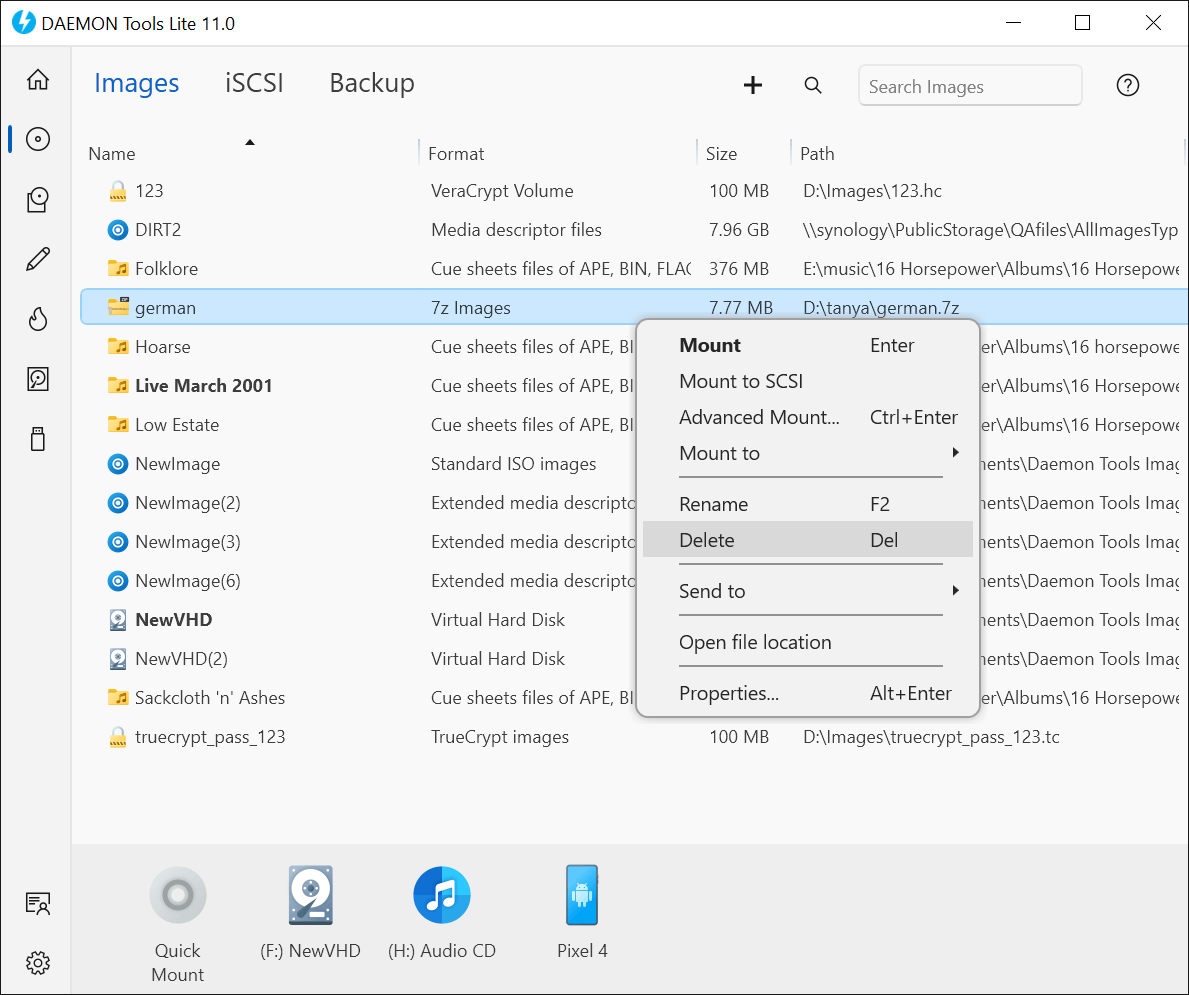
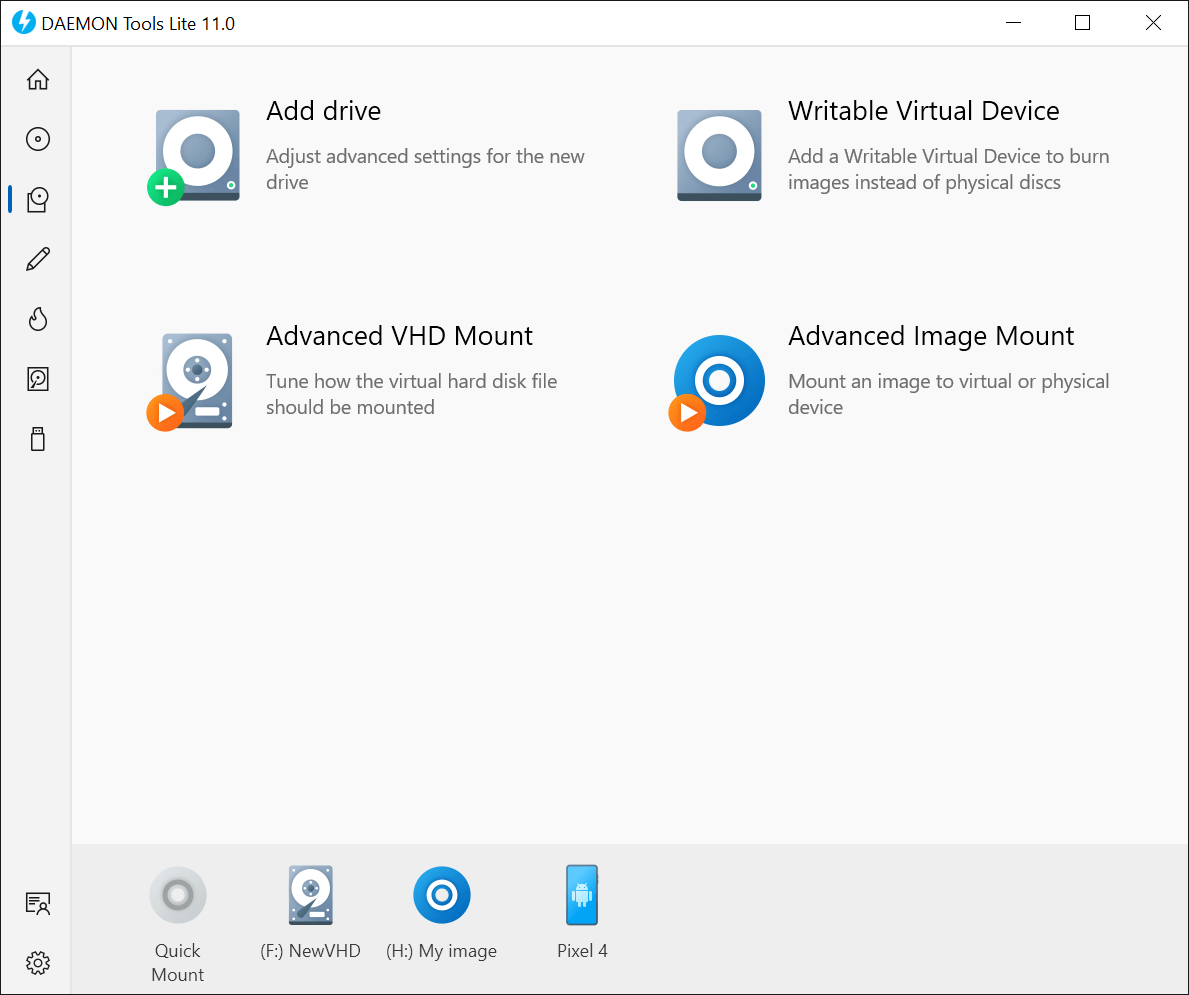
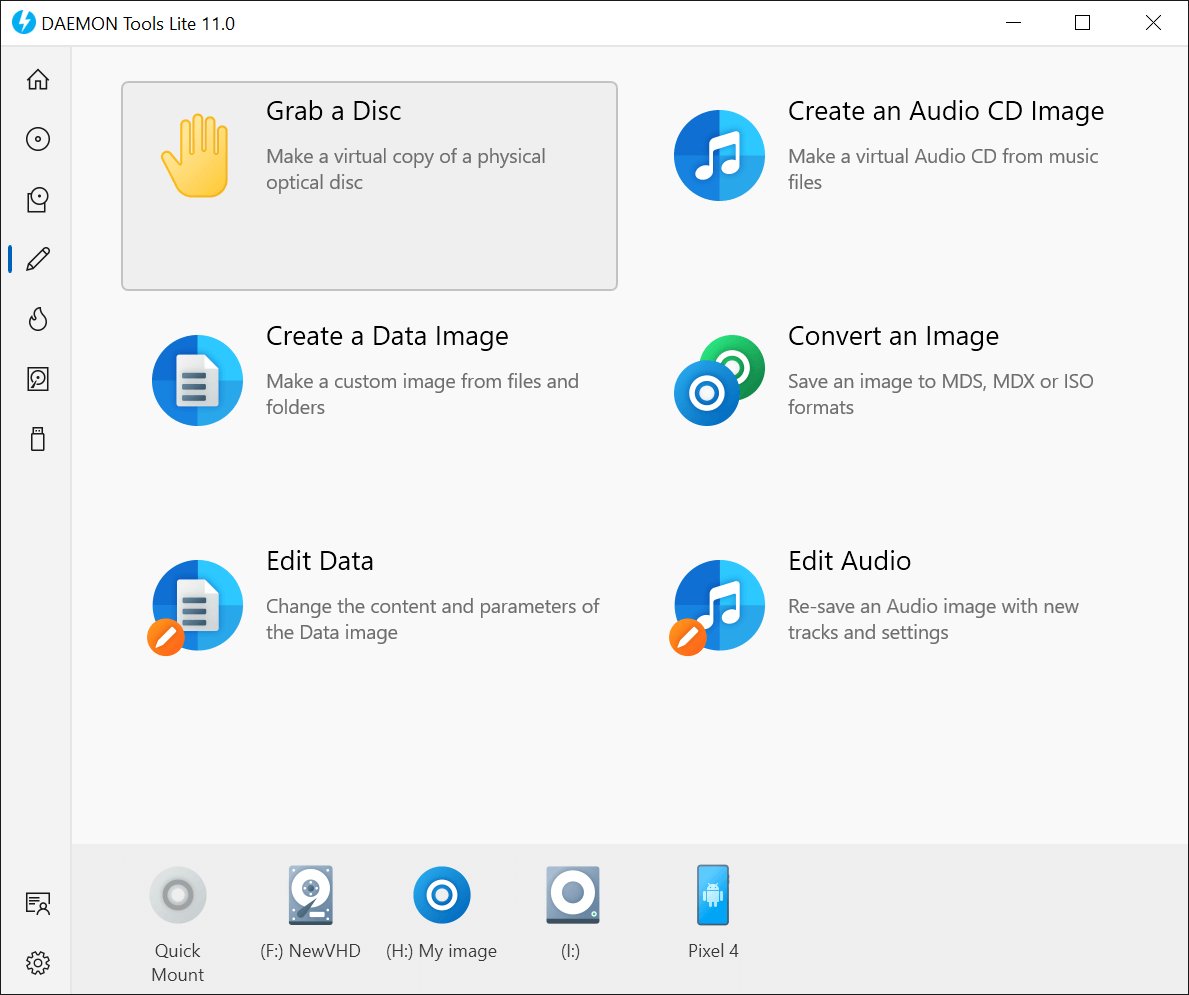
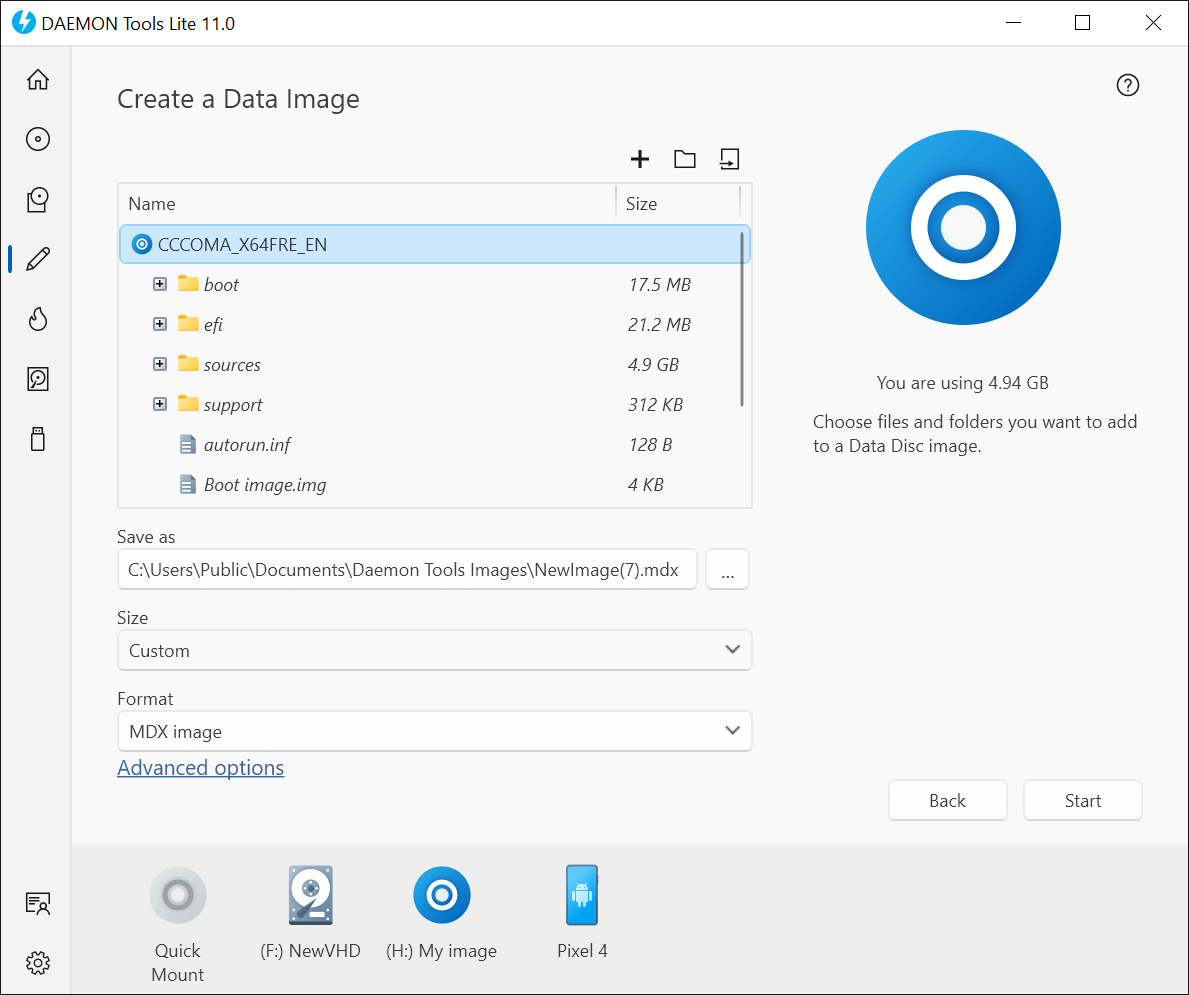
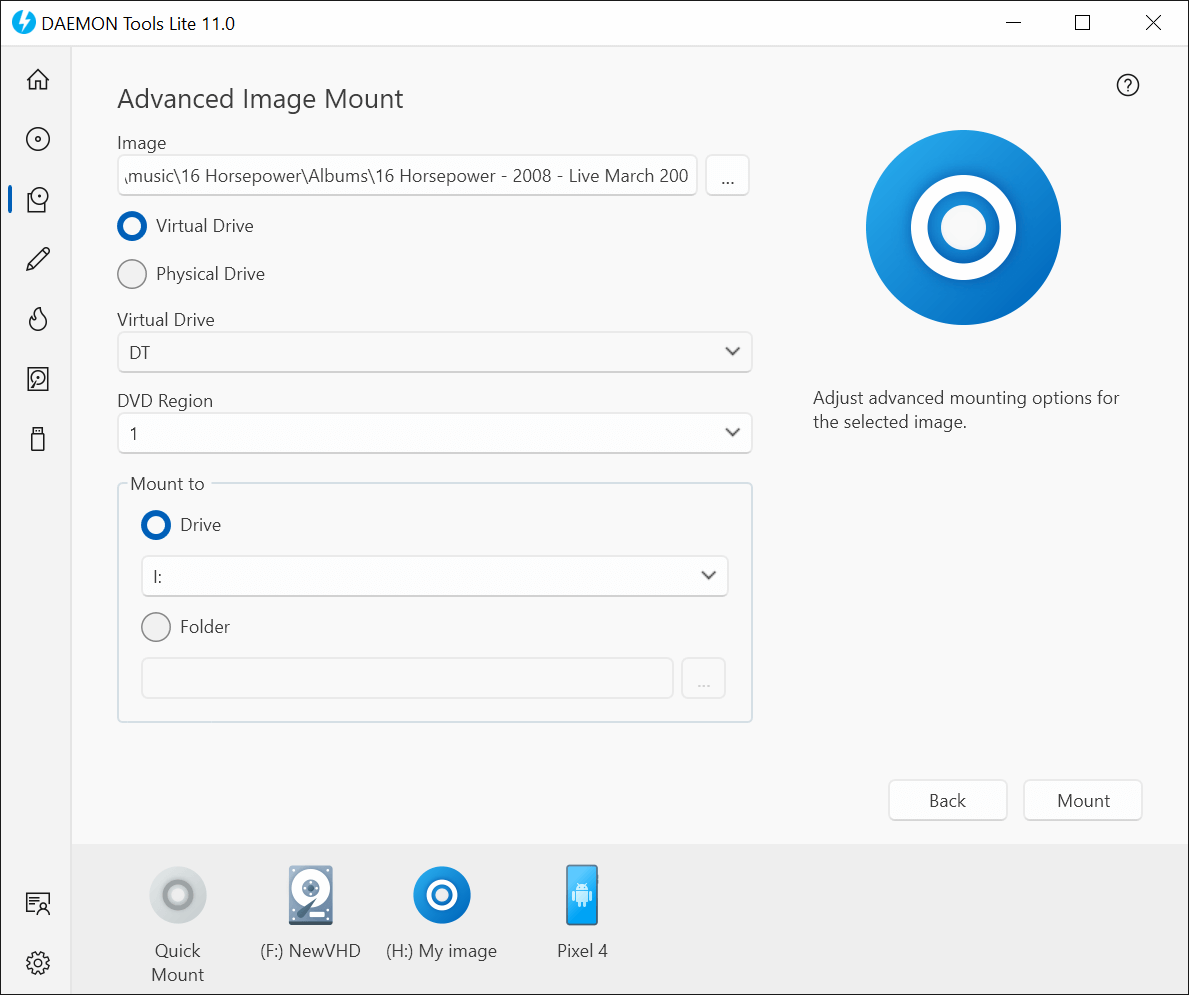
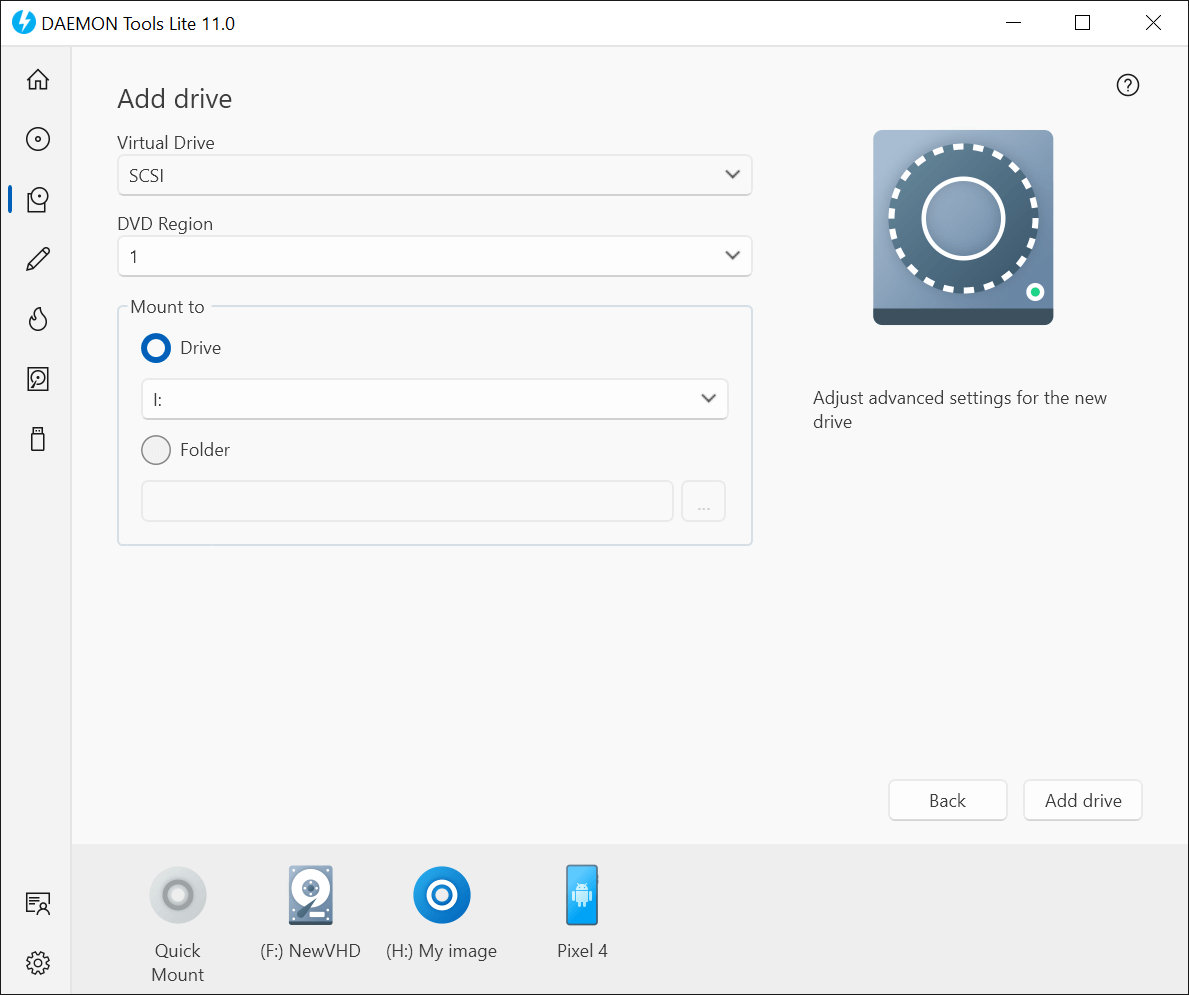
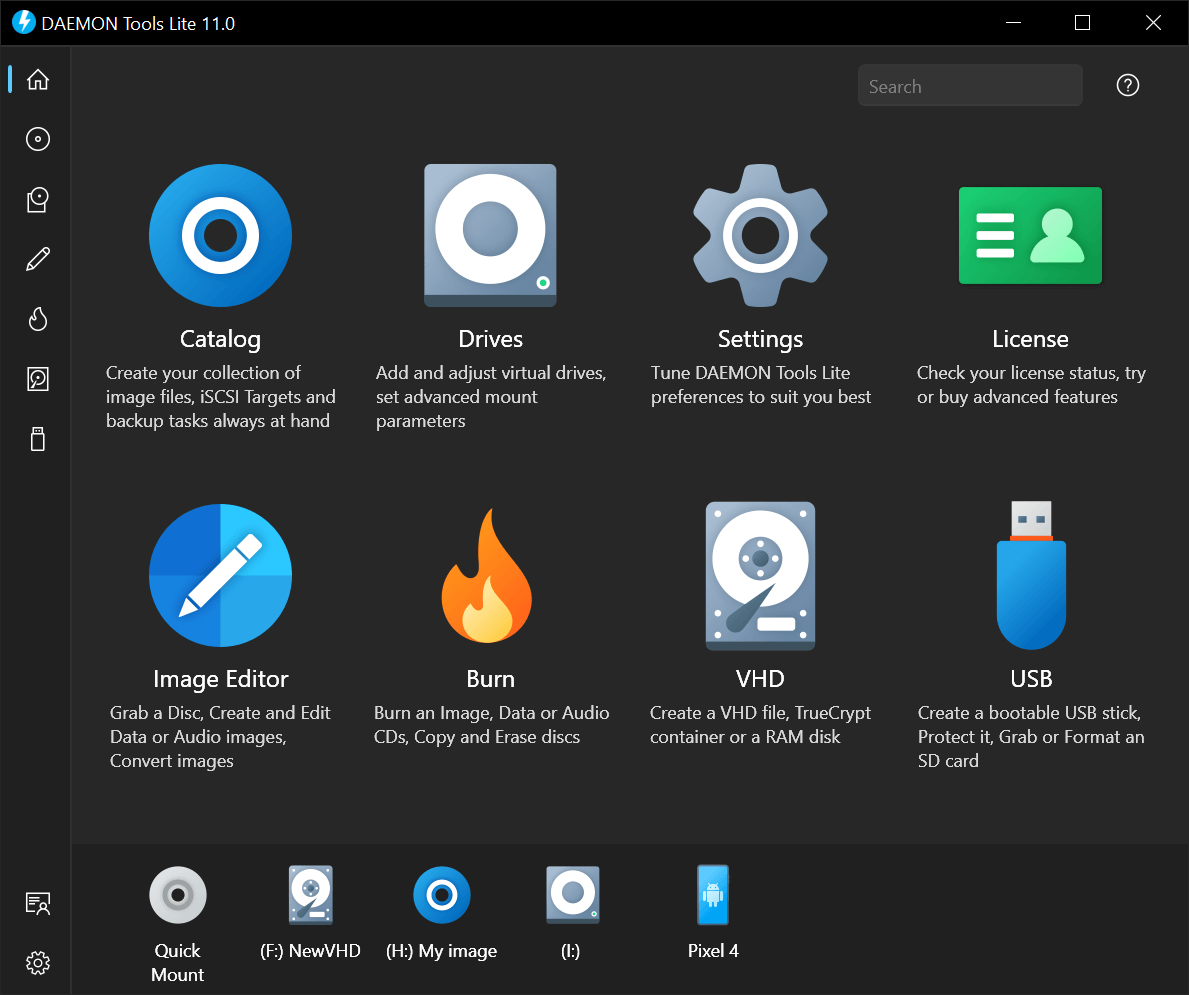
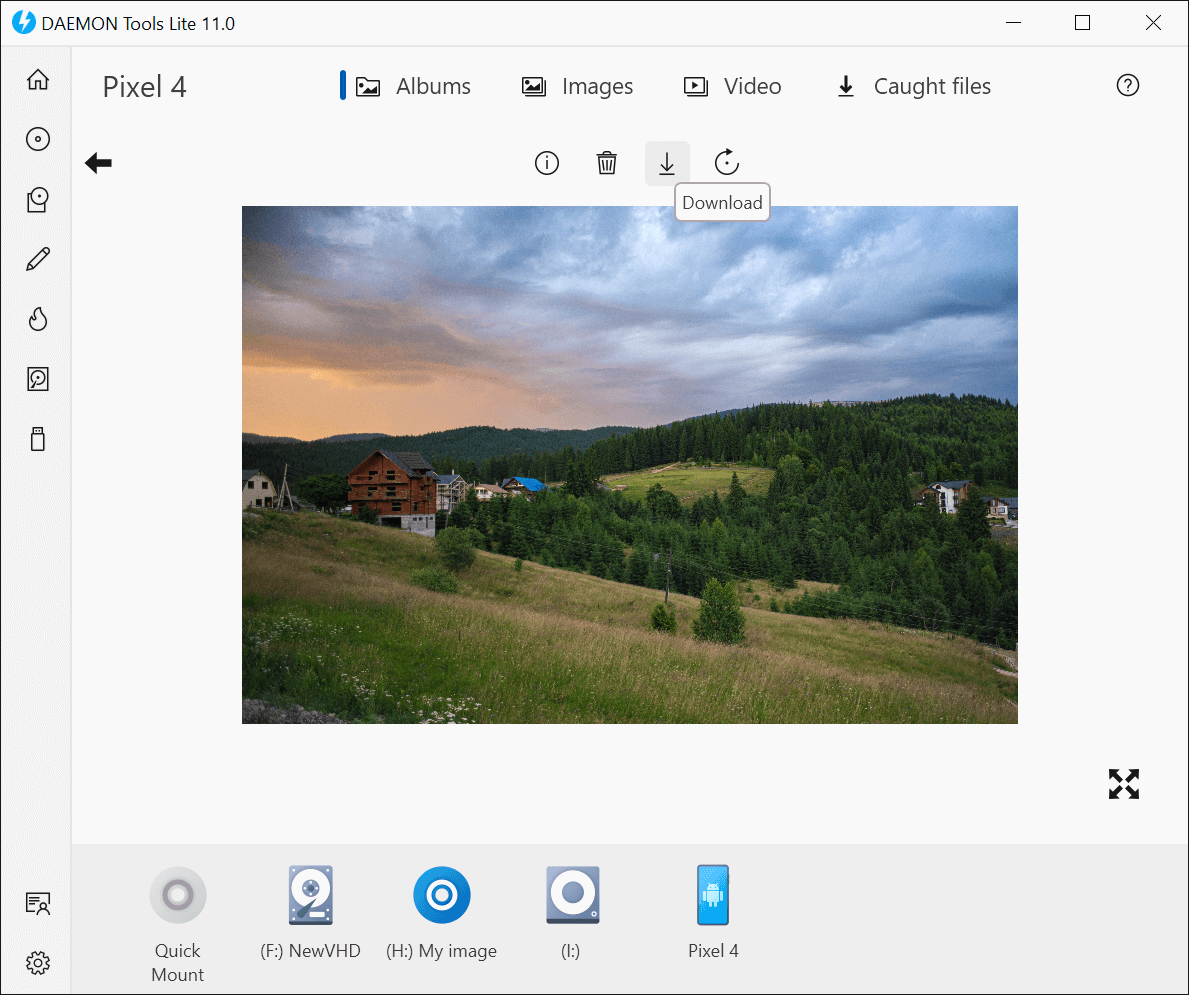
DAEMON Tools Lite is a software solution that will impress you, especially thanks to its advanced features that can deal with virtually all image formats on the market. Reliable application that creates virtual drives on your computer, providing you with the possiblity to emulate CDs and DVDs for instant access.
Download.com
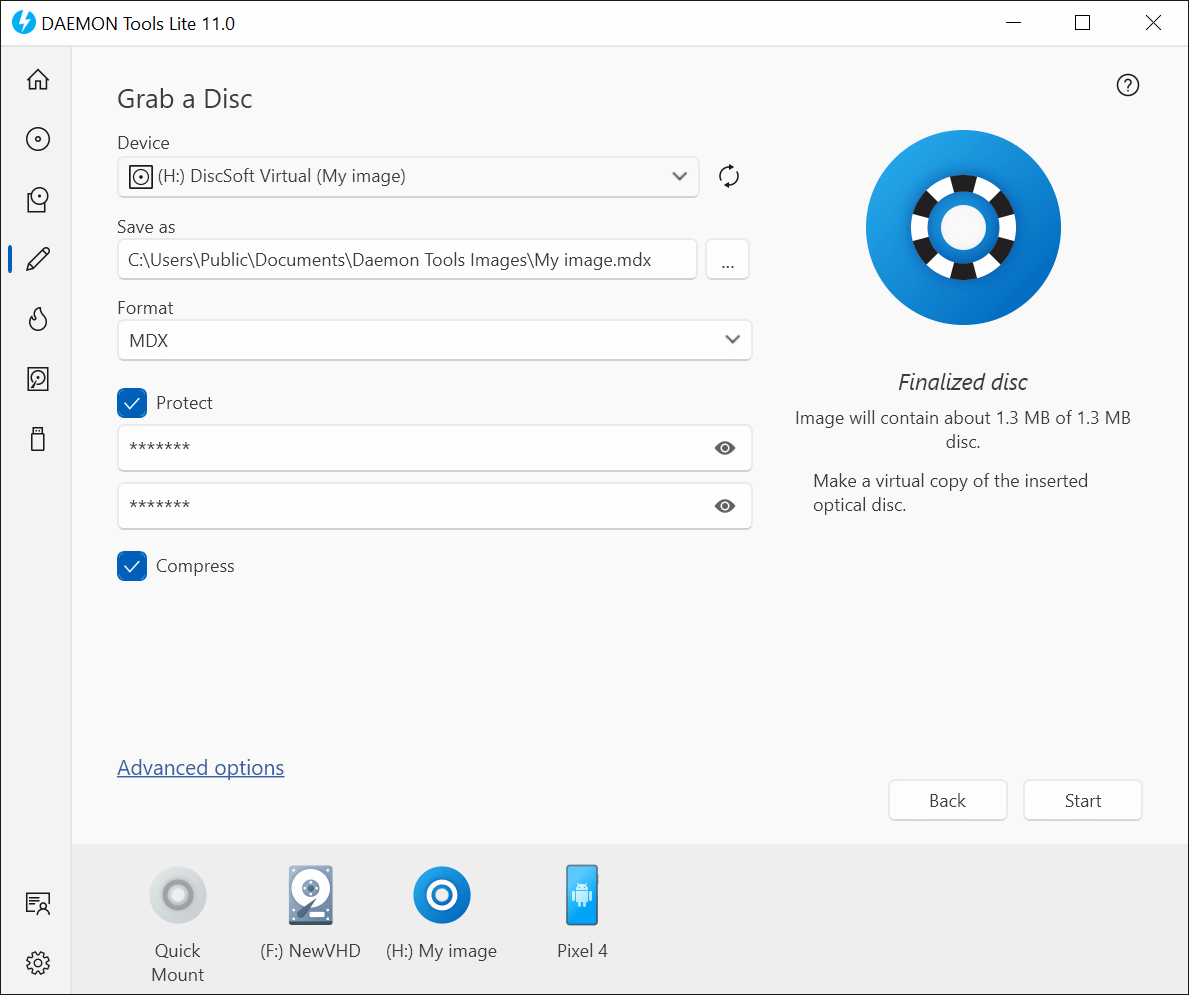
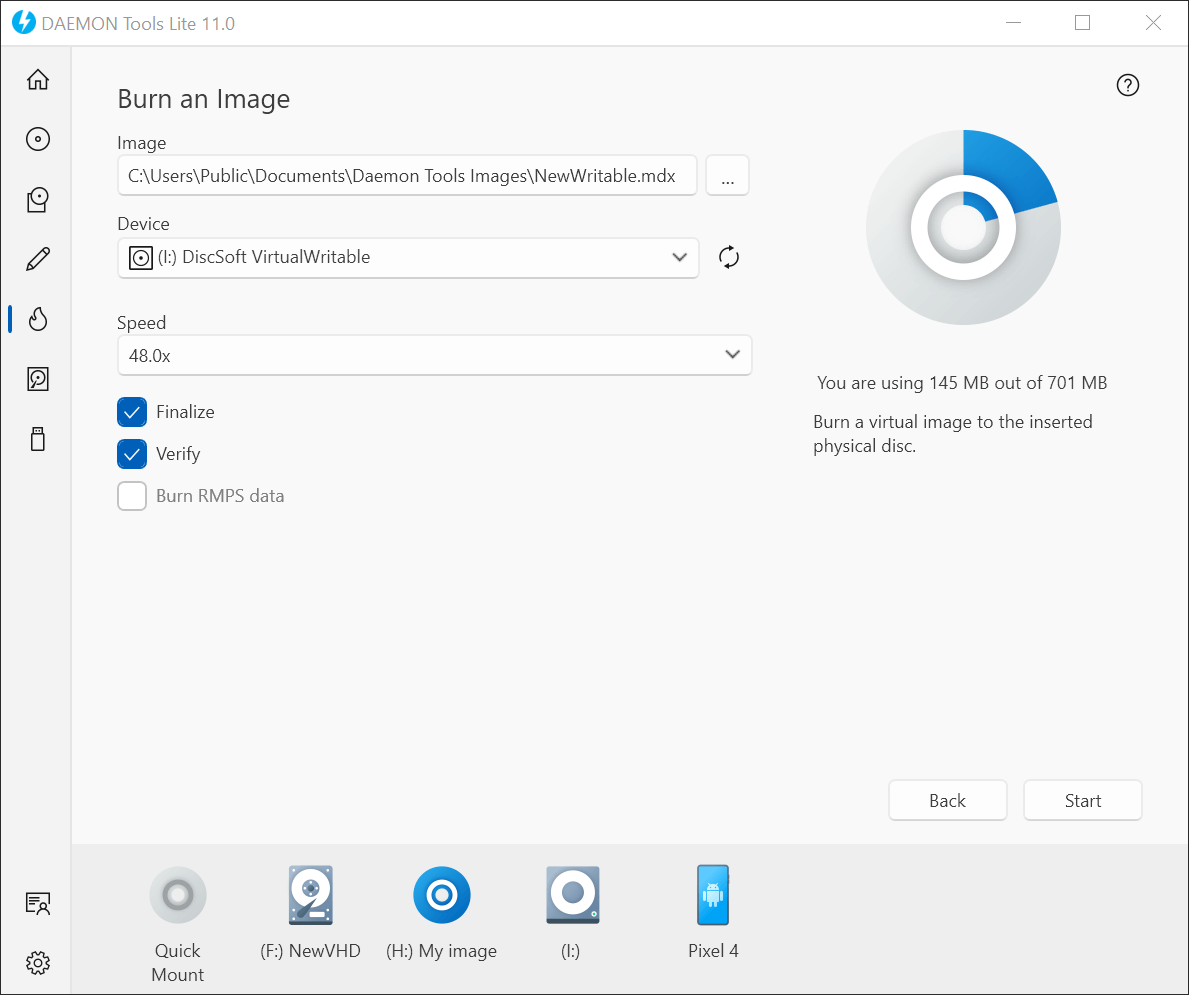
The advantage is that you can burn the images you're using with DAEMON Tools Lite right away or just test an image before burning it to see if it was created correctly. DAEMON Tools Lite works with most image formats.
Bytesin.com
Pros
- Small and highly stable program.
- Low resource requirements.
- Simple and functional interface...
Software.Informer.com
DAEMON Tools Lite manages to be more comprehensive and feature-rich than many of its competitors. And that's quite remarkable, especially considering that DAEMON Tools Lite is free while many of its competitors are not.
techgyd.com
Daemon Tools Lite is one of the best software for emulating and organizing your disc images. The software is very easy to use and fulfills all your disc related requirements. The virtual drives support is amazing.