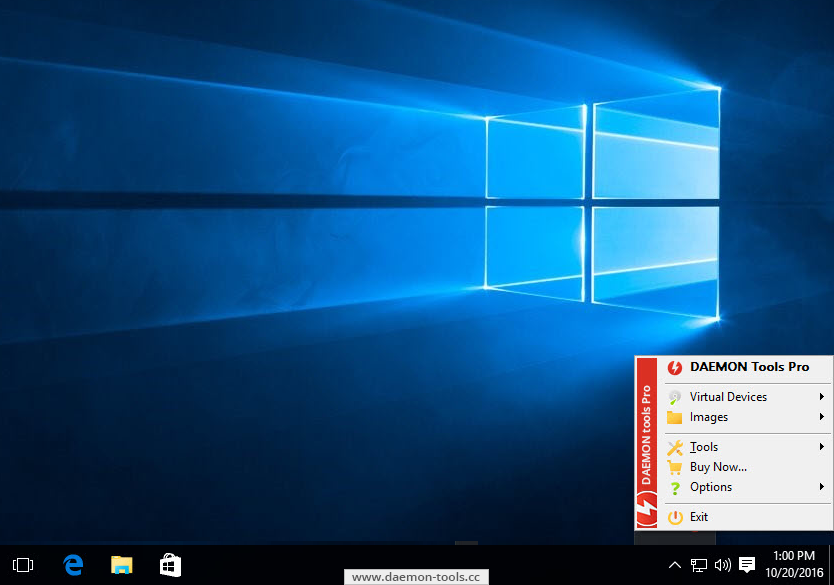
DAEMON Tools Pro Advanced
5.1.0
Best product for optical media emulation. All DAEMON Tools features are now available in one solution — DAEMON Tools Pro Advanced.
€99.90 €34.90
FREE
  • Key features
  • Gallery
  • Release notes
  • Supported OS
Key features
Functionality

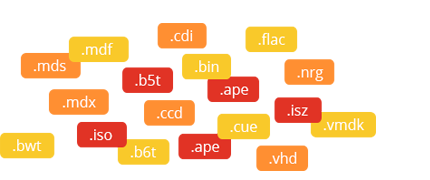
  • Mount *.mdx, *.mds/*.mdf, *.iso, *.b5t, *.b6t, *.bwt, *.ccd, *.cdi, *.bin/*.cue, *.ape/*.cue, *.flac/*.cue, *.nrg, *.isz disc images to a virtual drive
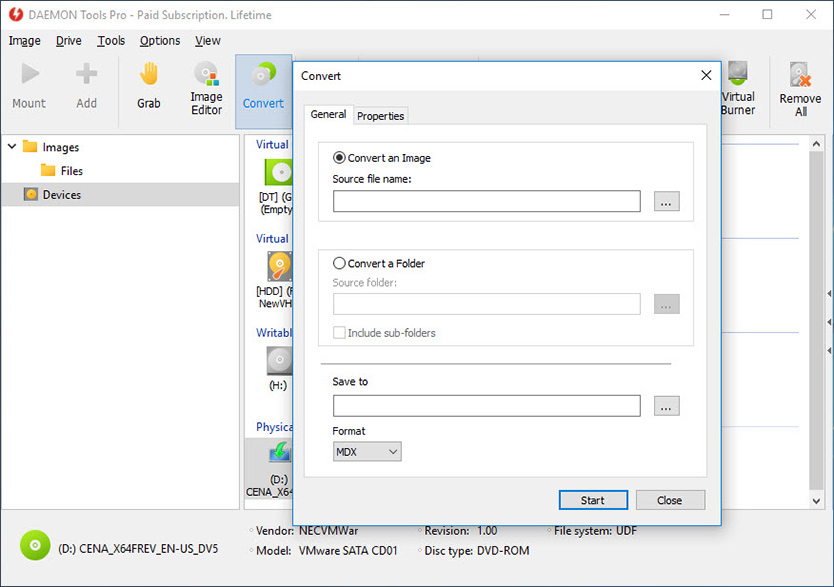
  • Convert images from all supported formats to *.mdf/*.mds, *.mdx, *.iso
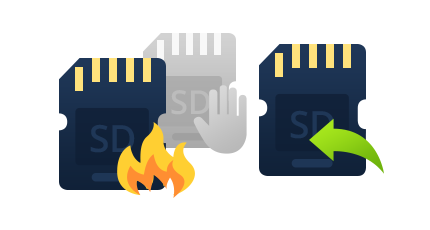
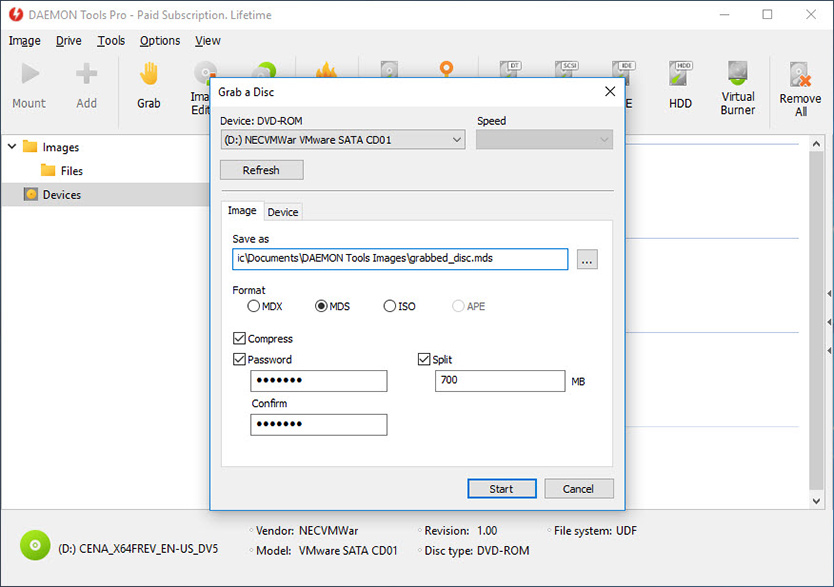
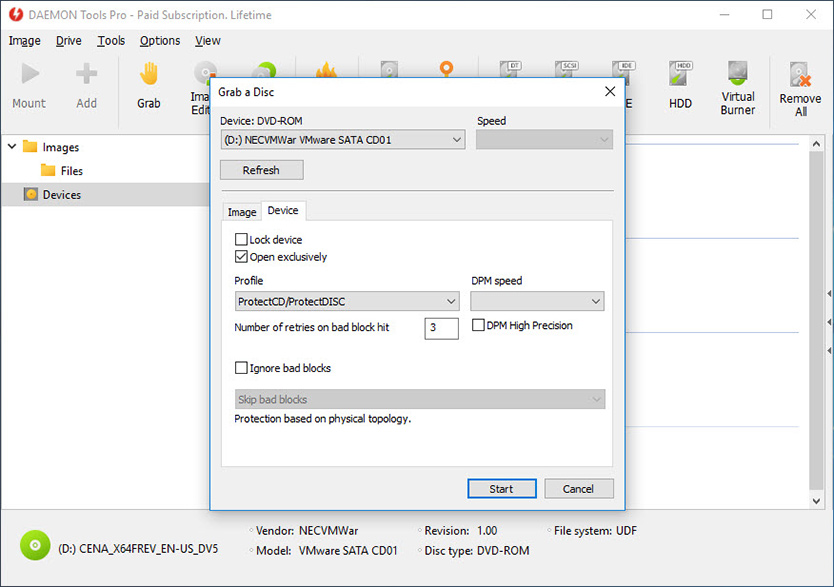
  • Make .iso, *.mds/*.mdf and *.mdx images of CD, DVD, Blu-ray discs
  • Make a compressed disc image or split the image to several files
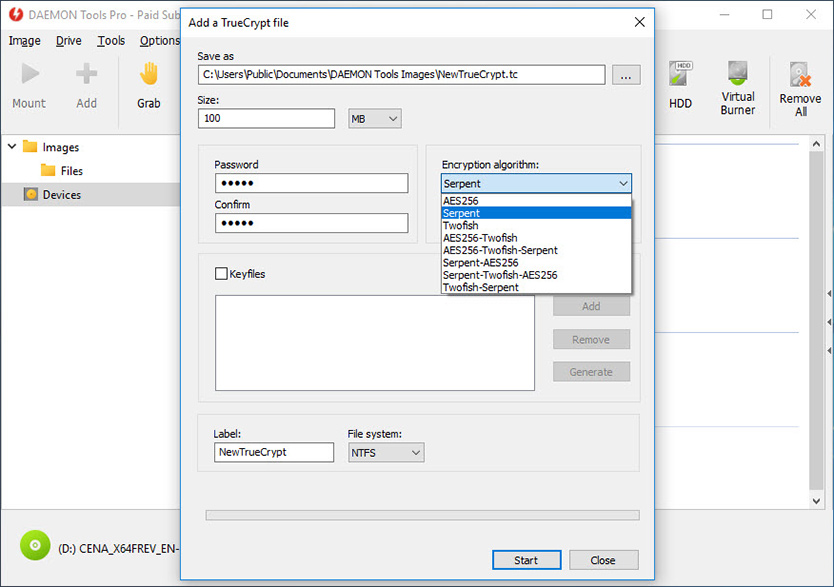
  • Protect images with password
Advanced imaging features

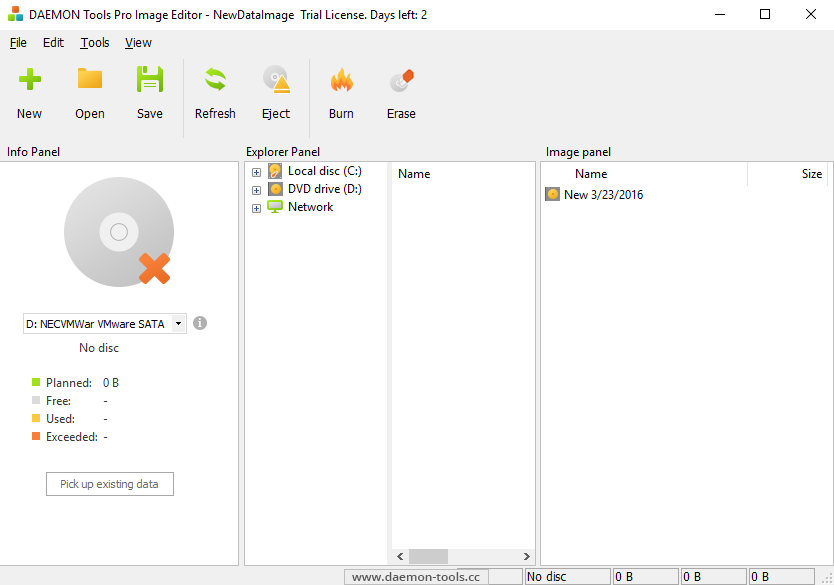
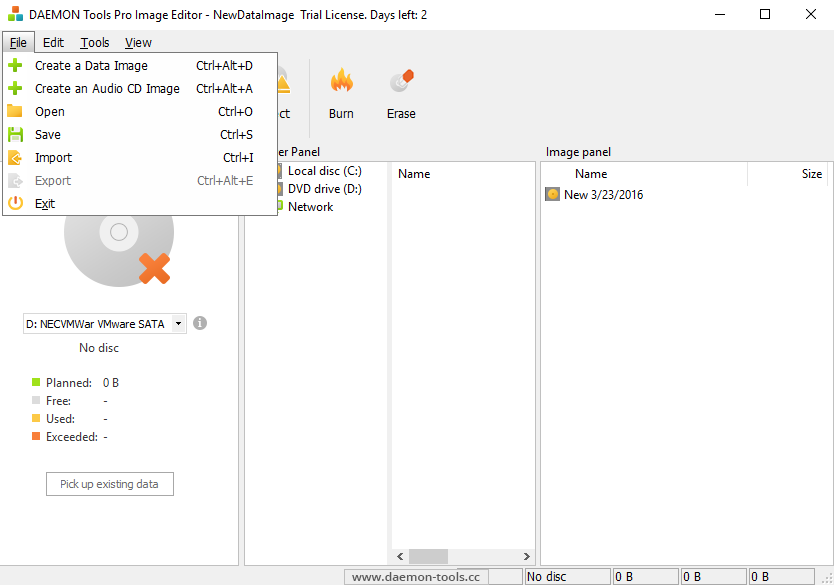
  • Create or edit images with powerful Image Editor
  • Burn created images to media discs
  • Burn images with RMPS data
  • Compose your own images of selected type (CD/DVD disc) with preferred file system (ISO9660+Joliet, UDF)
  • Master bootable discs or images
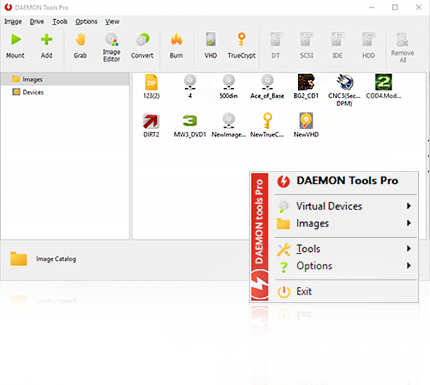
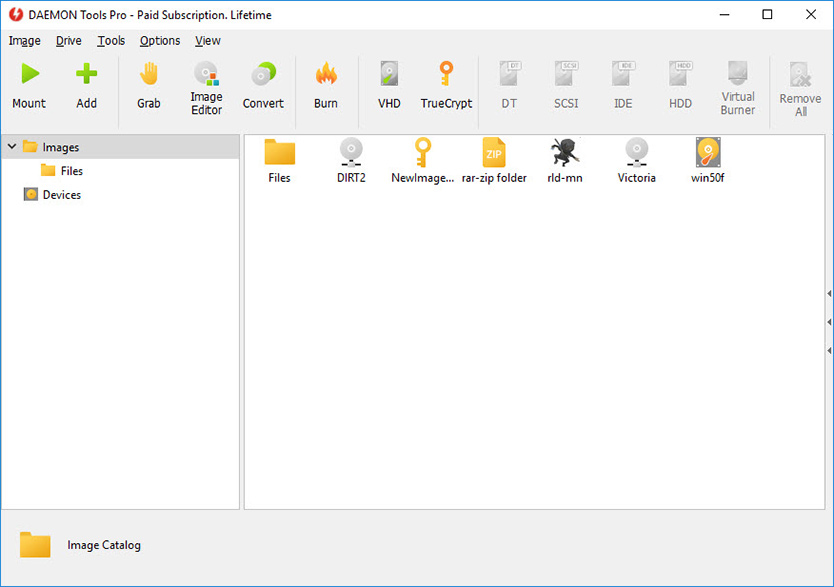
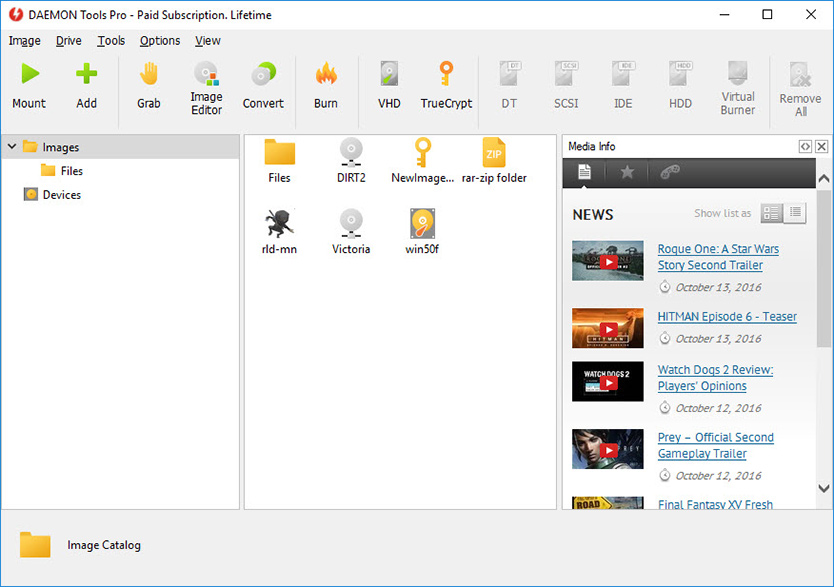
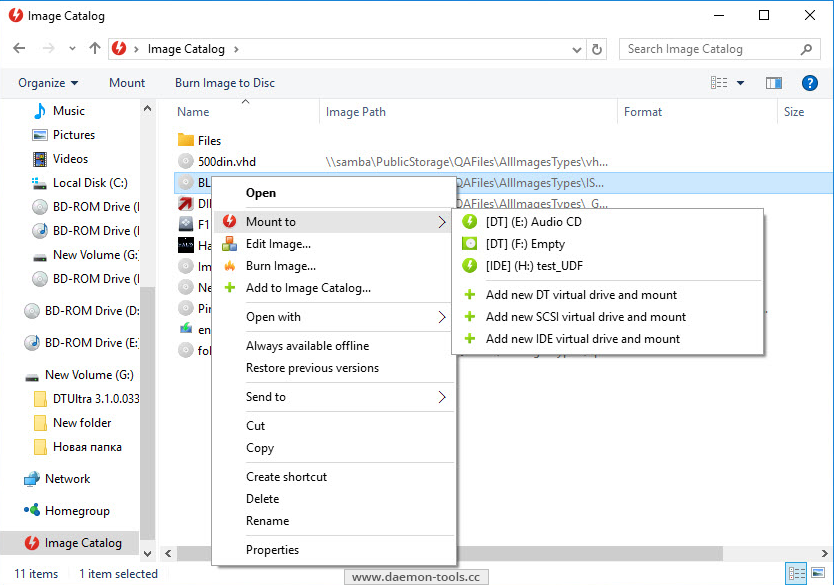
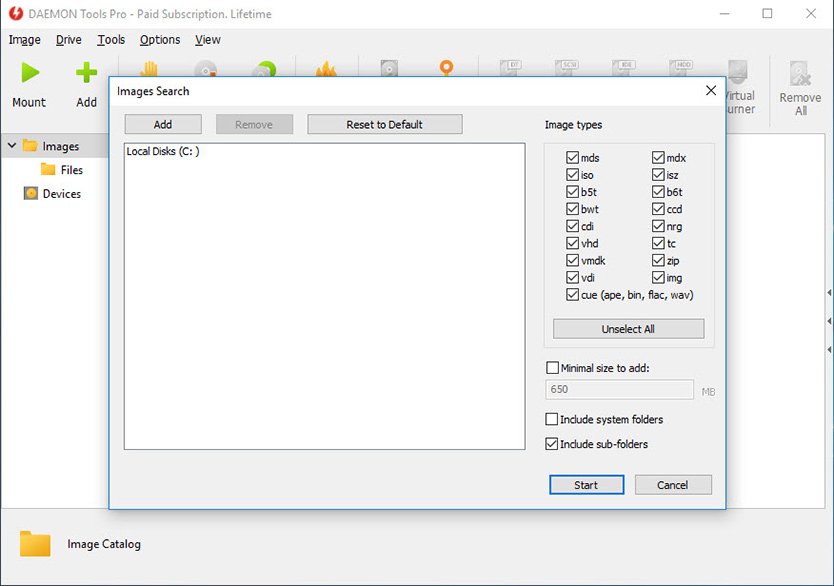
  • Manage your Image Collection
Media devices virtualization

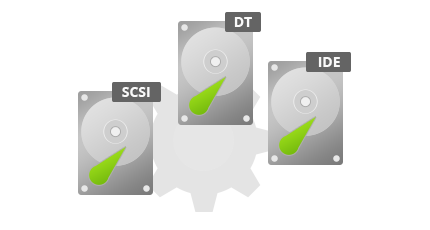
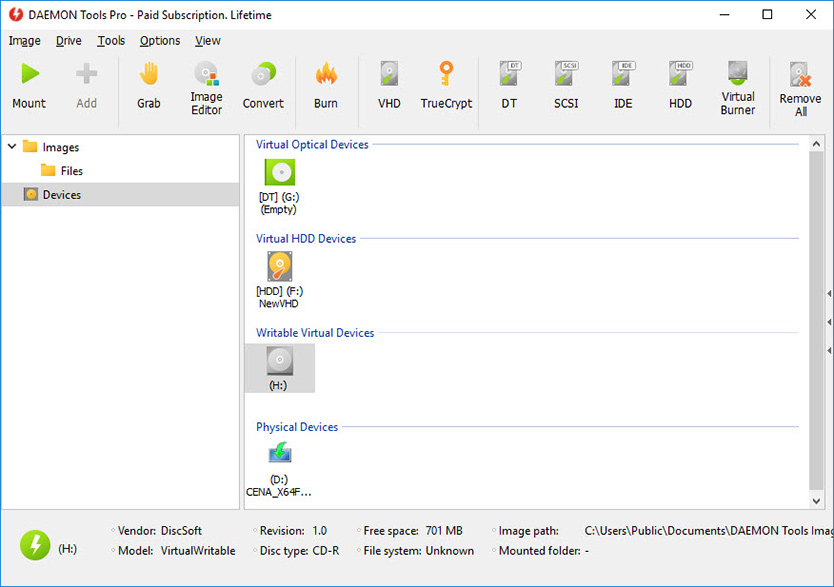
  • Emulate up to 32 DT and SCSI devices in all
  • Use 4 virtual IDE devices for advanced emulation
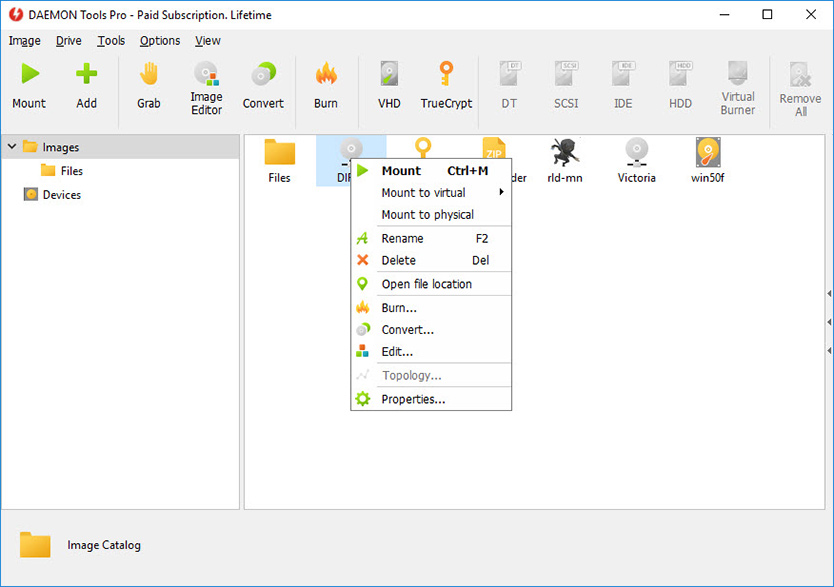
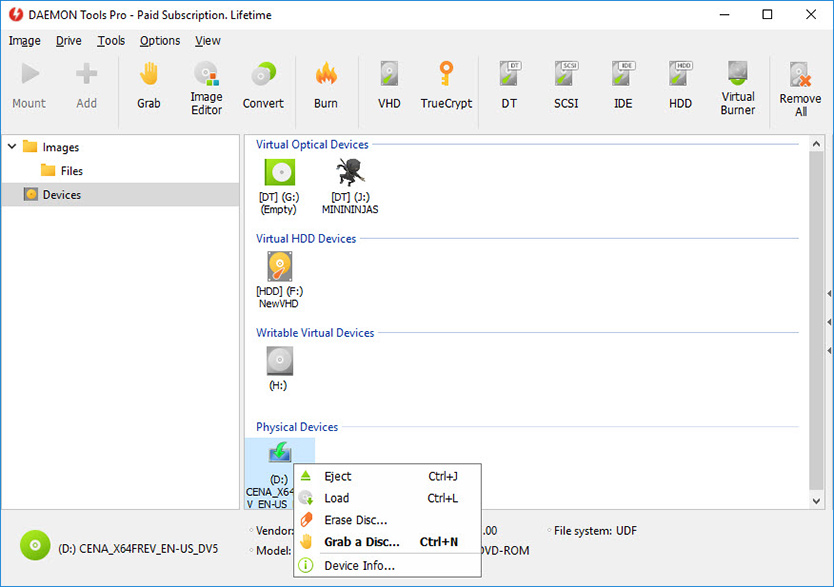
  • Mount images to physical IDE/SATA devices via advanced attaching functionality
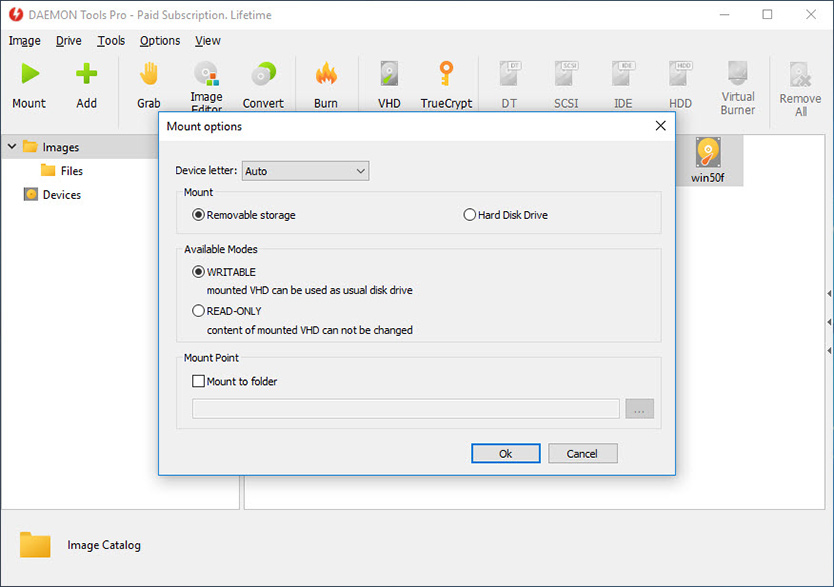
  • Perform image mounting to local NTFS folders
  • Get detailed information about physical and virtual devices' properties
  • Customize virtual drives: change a drive letter, DVD region, etc
Advanced user interface with powerful system integration

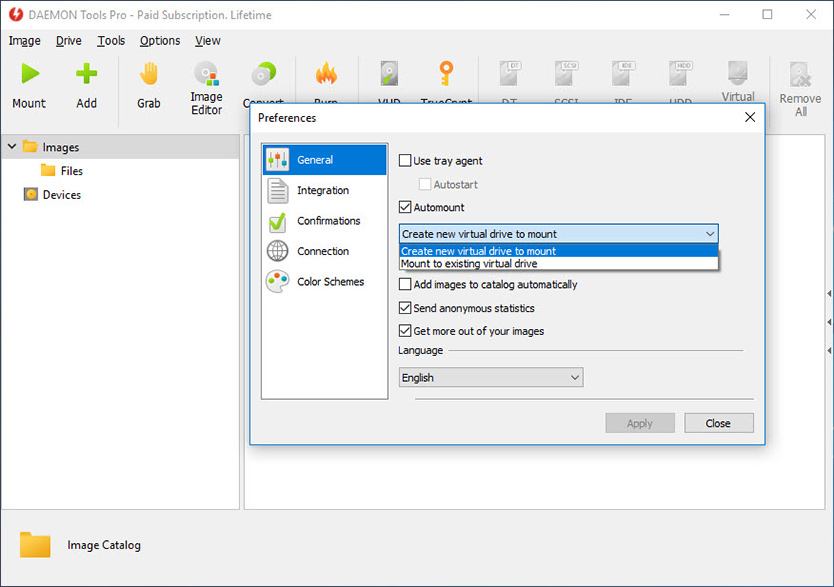
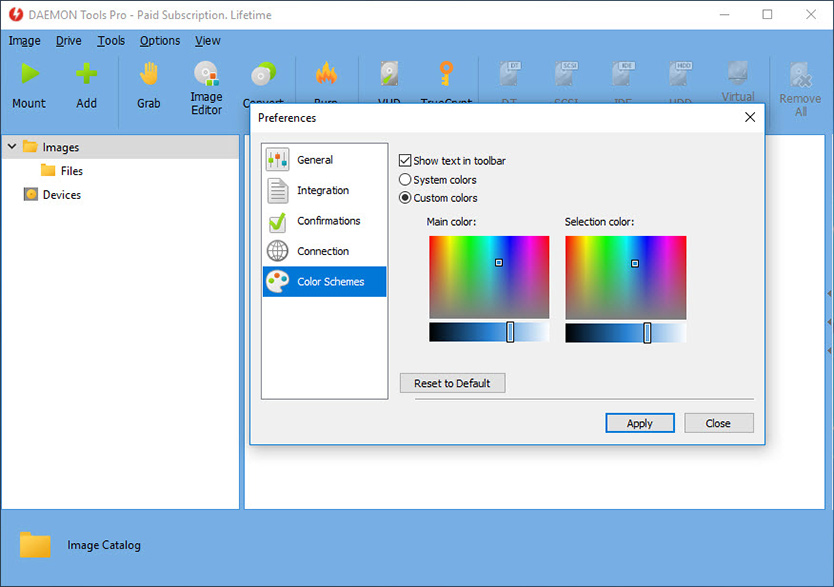
  • Customize user Interface for main application and Image Editor
  • Use powerful Command Line Interface for automation purposes
  • Enable DAEMON Tools integration to Windows shell
  • Use File Associations to mount images right from Windows Explorer or any other file manager
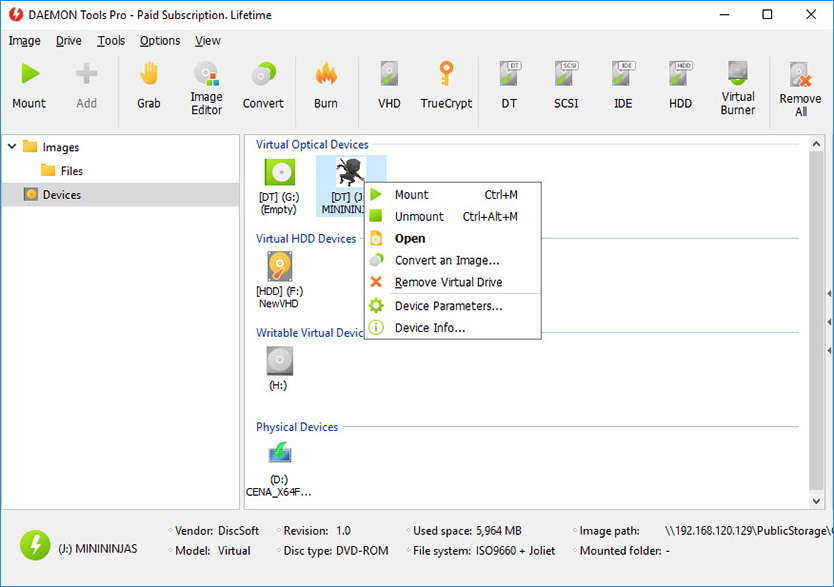
  • Customize Windows Explorer context menu for images and virtual devices
  • Get quick access to your Image Catalog via Windows Explorer
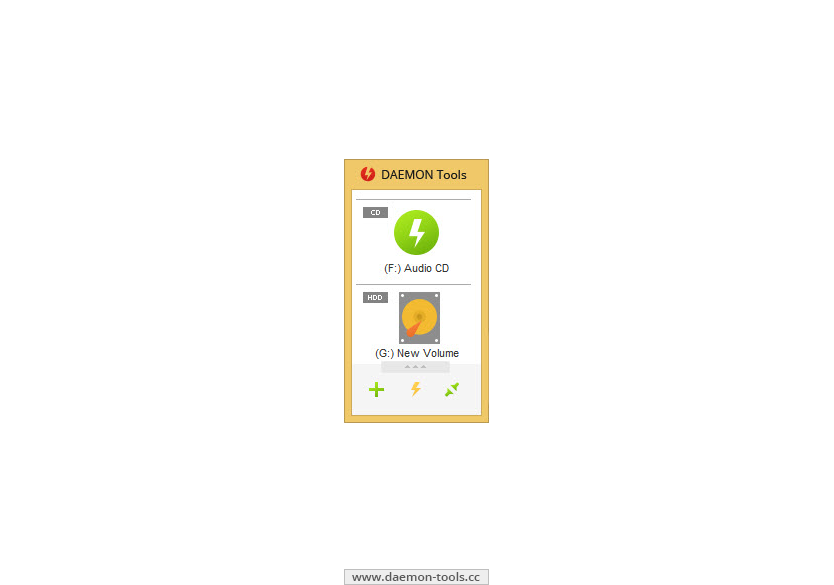
  • Perform basic actions via handy DAEMON Tools Gadget on Windows Desktop
MountSpace - virtual disc usage statistic on-line service

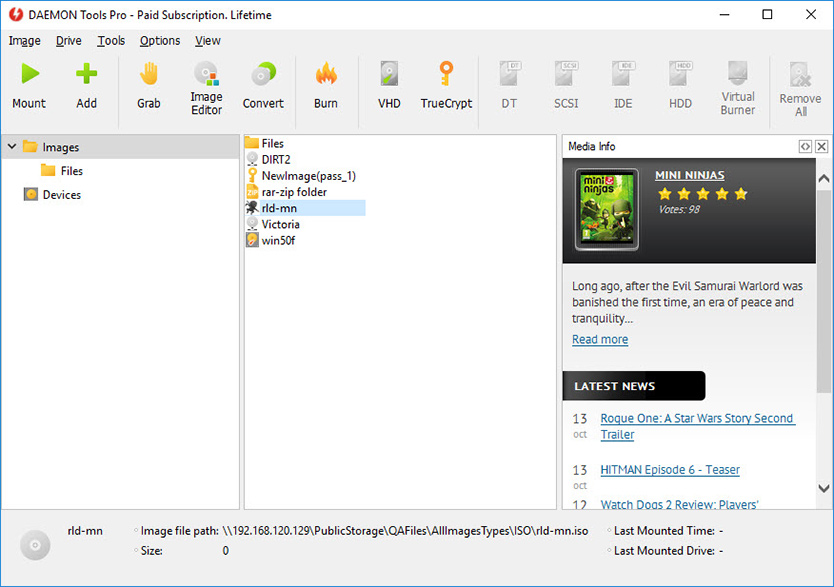
  • Keep track of the disc image usage statistic
  • Find out Top 100 most popular images
  • Search other discs similar to yours
  • Search for disc images that you are missing
  • Browsing for most relevant gameplay videos and much more
Loading...
Bugs fixed:

  • Splitting issue for CD disc type in Image editor;
  • Mounted image reset after unsuccessful automounting on startup;
  • Context Menu key fix in Image Catalog;
  • Minor fixes.
What's new:

  • Enhanced privacy of connection with MountSpace.com;
  • SPTD 1.81 (Windows 8 beta support);
  • SPTD attached devices read speed improvement;
  • Storing of encrypted proxy password in the registry;
  • Lookup in image catalog;
  • Ability to create Audio CD images in APE format;
  • Extended UAC support;
  • Setup improvements.
Windows 2000 SP4
32-bit
up to 4.36.0309
Windows XP
SP3 32-bit / SP2 64-bit
 
Windows Vista
32-bit / 64-bit
 
Windows Server 2008
32-bit / 64-bit
 
Windows 7
32-bit / 64-bit
4.35.0306 or later
Windows Server 2008 R2
64-bit
4.35.0306 or later
Reviews
Awards